A lot of people now use YouTube as a learning tool.
There are plenty of genuinely useful videos on YouTube, but there is one obvious problem: many of them are very long.
Some are 30 minutes. Some are an hour. Others can be two hours or more.
The frustrating part is not simply that the video is long.
It is spending all that time watching it, only to realise at the end:
This video barely taught me anything.
So how can you quickly extract the useful information from a YouTube video before deciding whether it is worth watching in full?
Here is the method I use.
Step 1|Install the Chrome Extension
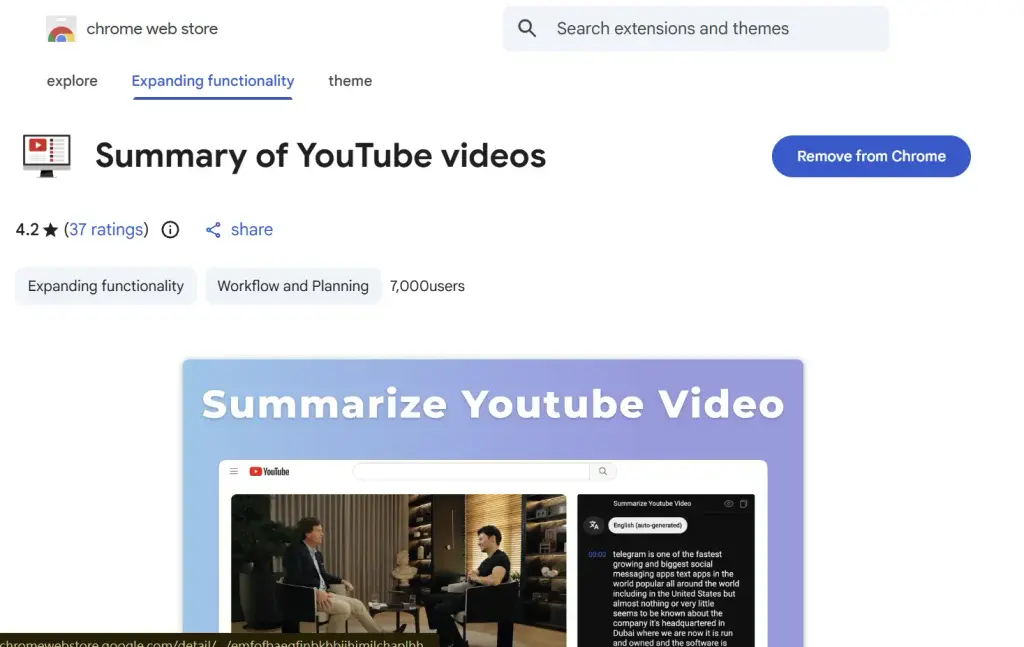
First, go to the Chrome Web Store and search for:
Summary of YouTube videos
You can also go directly to the extension here:
Summary of YouTube Videos|Chrome Extension
Install it and add it to Chrome.
Step 2|Choose a Video You Are Interested In
For this example, I found this video:
#1 Psychologist: The Real Reason You Never Stick To Your Goals (Yet) | Angela Duckworth
The title is certainly tempting.
But the video is 1 hour and 17 minutes long — 77 minutes in total.
So the question is:
Is it really worth spending 77 minutes watching the whole thing?
I decided to use this video as a real example.
Step 3|Get the Video Subtitles
Once the extension is installed, open the YouTube video.
You should see the Summarize YouTube Video panel on the right-hand side of the page.
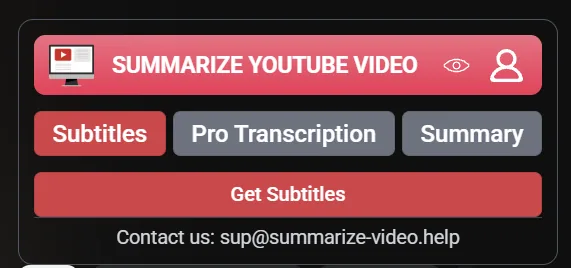
Choose Subtitles, then click:
Get Subtitles
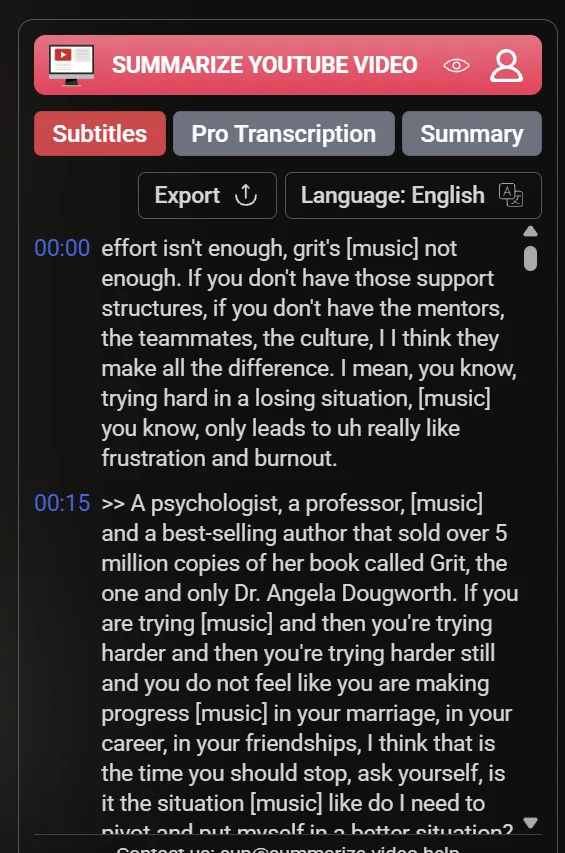
The full transcript of the video will then appear.
This is already useful.
But if we do not want to spend 77 minutes watching the video, we probably do not want to spend ages reading the entire transcript either.
So there is one more step.
Step 4|Paste the Transcript into ChatGPT
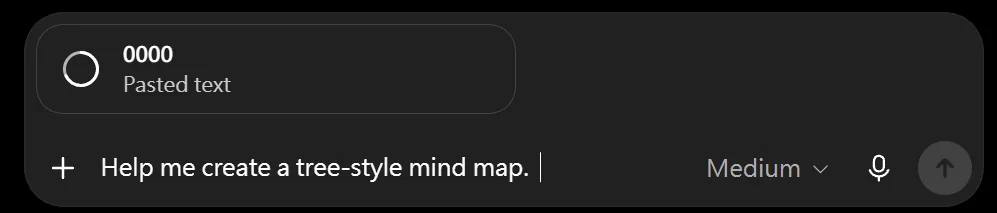
Copy the entire transcript and paste it into ChatGPT.
At the bottom, I simply add:
Help me create a tree-style mind map.
ChatGPT will then organise the long transcript into a much clearer structure, such as:
- Main topics
- Core ideas
- Subtopics
- Key information
- Relationships between different points
Instead of digging through a huge block of transcript yourself, you can see the structure of the video much more quickly.
Step 5|If the First Summary Is Not Good Enough, Ask Again
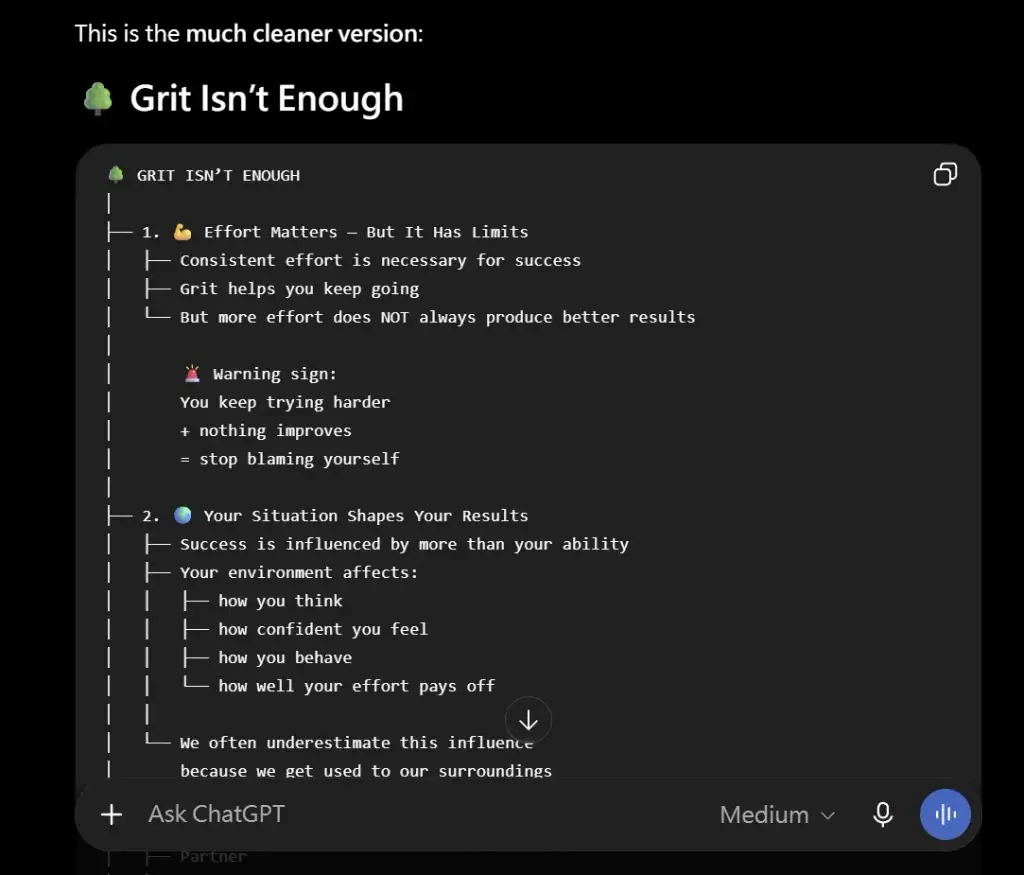
After ChatGPT created the first version of the mind map, I skimmed through it.
It was useful, but I still felt that it was too loose and did not highlight the most important points clearly enough.
So I asked ChatGPT to refine it again.
I asked it to focus more closely on the key ideas, remove less important details, and reorganise everything into a clearer tree-style mind map that was easier for me to understand.
This is an important part of the process.
The first answer from ChatGPT does not have to be the final answer.
If the summary feels too broad, too messy or too detailed, simply ask it to tighten the structure and focus on what matters most.
You do not have to accept the first AI-generated version as it is.
Step 6|Five Minutes Later, I Decided I Did Not Need to Watch the Whole Video
After the second round of refinement, the mind map was much closer to what I actually wanted to know.
I quickly read through the key points and realised:
I did not need to spend 77 minutes watching the entire video.
What I was interested in was the psychologist’s main ideas.
I was not particularly interested in every detail about the guest’s personal life or background.
I mainly wanted to understand the useful concepts and key takeaways.
From getting the transcript, pasting it into ChatGPT and refining the summary, the whole process took me about five minutes.
The original video length:
77 minutes
The time I actually spent:
About 5 minutes
That means I saved roughly:
That means I saved roughly 72 minutes.
And those 72 minutes could be spent on something far more productive. If you often find yourself with small pockets of spare time and are not sure how to use them, I wrote about that here: Got 2 Minutes? 5? 10? Here’s What to Do With Them.
When This Method Makes Sense
Of course, there are still plenty of excellent videos that are worth watching from beginning to end.
Sometimes the value of a video is not just the information itself.
The speaker’s delivery, stories, examples, emotion, demonstrations and the wider context of the conversation can all be worth experiencing properly.
This method is not meant to replace watching videos.
It is simply useful when you want to:
- Absorb information quickly
- Decide whether a long video is worth watching
- Find a particular answer
- Avoid wasting time on videos with very little useful content
- Stop yourself from falling into an endless cycle of watching one recommended video after another
A lot of the time, we open YouTube because we want to learn something.
Then we click one video, then another recommendation, then another.
Before we know it, an hour or two has disappeared.
We may have watched a lot, but that does not always mean we have learnt very much.
So now, I prefer to do one thing first:
Extract the key points, then decide whether the video deserves more of my time.
YouTube can be an excellent learning tool.
Just do not let it become a time trap.
Use YouTube as a learning tool — not as a time trap.